Fognigma reveals hidden threats with advanced detection techniques, helping organizations secure networks, anonymize activity, and stay one step ahead.
Command The Cloud
Fognigma reveals hidden threats with advanced detection techniques, helping organizations secure networks, anonymize activity, and stay one step ahead.
Having a healthy network isn’t just about keeping track of software updates; it’s also about maintaining a secure environment. It can take more proactive measures, especially in situations such as maintaining IT network reliability within military organizations. Luckily, companies like Fognigma understand how to help work with your IT professionals to maintain a healthy network at all hours of the day. Read more on some of the key network health metrics to look out for and how to make sure your network performance and security are running at top notch.
A reverse proxy may not be familiar to some, but using it correctly can help safeguard your resources. It mainly provides selective but secure access to in-network resources without exposing information on the network itself. Many IT professionals utilize this to facilitate secure external collaboration or communication while maintaining complete control. Some of the benefits that Fognigma’s Reverse Proxy can bring include the ability to toggle access per-user or per-resource, depending on your choice, for ultimate control over access. You can also allow administrators to toggle access paths. For instance, if you want access to specific messaging or emails, you can do this while still being anonymous. Using a Reverse Proxy can allow partners to interact with resources needed securely. Once the communication or collaboration meeting is complete, access can be revoked instantly without residual exposure.
Having your team be able to maintain anonymity at any time can provide an extra layer of security you may not have known you needed. This type of access allows administrators or IT professionals to toggle access paths without requiring external users to connect to the network directly. By having this in place, you’re organization is able to collaborate securely with third-party people, and can enhance the overall privacy for all sensitive communication and operations. Then, by having this security in place, you’re organization’s network is put in a better and healthier position.
If you ever worry about how your network’s health is actually performing in real-time, integrations like Sensu may be able to address the issue. Fognigma has taken network health monitoring to the next level with Sensu, automating the tracking of network events and resources to provide IT professionals with a clearer understanding of their cybersecurity network monitoring status in real-time. With Sensu’s automation feature, you can perform regular checks on your virtual machines, CPUs, RAM, and more at any time. Additionally, you can monitor resource stress across various networks to identify where a problem arises and how to address it promptly. For instance, if your organization operates in multiple time zones, Sensu would be an excellent tool for administrators to use in Fognigma network monitoring while keeping operational costs and strain in check.
Whenever people in your organization want to collaborate or hold a meeting, there is always a risk that outside users will have access. Once they gain access, they may be able to leak information or gain complete control of your network. To prevent this from happening, Fognigma can enable compartmentalized collaboration that ensures no external persons can access the network while granting approved individuals full network access to collaborate, meet, exchange files, and more. It’s a super safe way to share messaging, data, and files without revealing too much information to the wrong eyes.
Scaling a business or organization can be a significant undertaking, and one of the first steps to achieving scalability is ensuring your network architecture can support it. Teaming up with Fognigma can help you scale your selective resources while ensuring you don’t compromise your initial safety and security. If you want to increase the number of users within your network, we can make it happen without straining your resources. Additionally, scalability can be achieved while maintaining operational costs without disruption. A win-win situation.
Network downtime can occur in any organization, but it’s essential to understand its causes so that it can be resolved quickly. Network downtime is defined as an interruption or break in service. This can affect users’ productivity and access. Read below on some of the common causes of network downtime and what to do about network downtime prevention:
Hardware failures, such as power supply issues or disk drive failures, can cause network downtime. These types of failures cannot always be predicted and may require replacement parts to fix the problem.
Humans can mess up, and when they do, it’s called ‘human error’. Unfortunately, it is one of the leading causes of network downtime, with mistakes made during configuration changes being a major culprit. Incorrectly configuring devices or making changes without proper testing can result in service disruptions.
Natural disasters such as thunderstorms, hurricanes, floods, and earthquakes can cause network downtime. Damage to infrastructure or power outages can interrupt network connectivity and disrupt services.
Cyber attacks pose a significant threat to the stability of networks. Malware, viruses, and denial-of-service (DoS) attacks can bring down entire networks or compromise sensitive data.
Network overload occurs when there is excessive traffic on a network, resulting in congestion and a slowdown in overall performance. This can be caused by an increase in users or devices on the network or excessive bandwidth usage.
Software failures can also lead to network downtime. Bugs or glitches in operating systems or applications
Fognigma is an easy choice for those who want to be in control when enhancing their network health. It’s all about being proactive and not forgetting to check in on your users, network health metrics, programs, and integrations to ensure everything is running smoothly. Discover how Fognigma can elevate your cybersecurity network monitoring to the next level with our advanced tools and more.

Secure communication is essential for distributed teams operating in a remote setting. In the past, traditional methods of keeping networks secure lacked robust protection and left numerous vulnerabilities, exposing data to external users. Fast forward to today, and Remote LAN Access is a contemporary solution that enhances security without compromising accessibility. Learn more about how companies like Fognigma utilize software such as Remote LAN Access to assist military organizations in strengthening their network security for distributed teams around the world.
Remote LAN Access, in simple terms, is a method that allows users to connect over a private local network, regardless of their location. Internet-connected devices, also referred to as IoT, can enhance communication security while you are anywhere in the world, ensuring that outside users cannot access the network. For example, Fognigma’s service Netcutter is a tool that merges accessibility with security.
When discussing the Netcutter, it’s easy to describe it as an exit point regarding secure access paths. For instance, when you install this within a private local network, you’re able to authorize specific users to access private data and resources. This helps reduce the number of vulnerabilities that arise in a traditional framework while also minimizing the exposure to potential attackers. Consider it as an additional layer of protection against hackers.
One unique feature of Netcutter is its ability to connect to two networks simultaneously, something that not many network security services can achieve. With Netcutter, you can direct network traffic from within the local network while maintaining secure communication. If your organization has many distributed teams that need to share information daily or weekly, this enables secure collaboration no matter where you are in the world.
Remote users may occasionally encounter challenges when monitoring private data. This is where VDI integration proves beneficial. Fognigma’s Virtual Desktop Infrastructure allows remote employees to access folders, projects, and more through an onboard application. This ensures that all operations are conducted securely, regardless of their physical location.
There is also a way to integrate cell service into Netcutter. If you have a cellular device with 3G, 4G, or 5G service, you could potentially turn it into a location-based Exit Point. This way, users can connect solely through their phone service without the risk of exposing their private data, communications, and more. This also provides your organization with a more flexible remote access point, rather than being limited to a laptop or home computer.
Remote LAN access is highly beneficial in today’s online world. Unfortunately, cyberattacks occur far more frequently than one might think. Because of this, organizations should be prepared, particularly if they operate remotely. Here are some of the most important benefits to consider when evaluating remote LAN access for your network.
People often overlook the numerous vulnerabilities that can exist in a traditional network. If you’re part of a professional organization that handles sensitive information in any capacity, having protection is essential. Collaborating with companies like Fognigma can help safeguard you from potential attackers, while ensuring that only approved users have secure remote access to data. This approach helps filter inbound traffic to confirm that everyone inside the firewall is an authorized individual.
Worrying about employees traveling to company sites or facilities can be costly. Knowing that your data is safe and protected, regardless of where employees are, through remote LAN access can eliminate these expensive plans. Your organization won’t have to stress about remote workers communicating securely. You can monitor and manage all users, no matter where they are located, entirely online. This can reduce travel costs and downtime, freeing up more resources for other priorities.
With more time freed up because you don’t have to worry about cyberattacks, Remote LAN Access can assist your team and other workers within the organization in focusing on what matters. Priorities can now shift to dedicate more time to projects and tasks that will drive growth for the business. This can enhance overall productivity, as employees can work undisturbed without concerns about external threats, all thanks to the capabilities of VDI integration, cellular connectivity, and more.
The benefits of remote LAN monitoring are significant because, in the past, administrators had to be physically present to monitor the network. Now, with this solution, they can do it from anywhere at any time. You can also monitor the network in real-time without any delays. This enhances visibility and ultimately improves your organization’s performance. Lastly, another major benefit is the increased efficiency among your IT team and overall staff. Administrators can now quickly address issues in real-time, which reduces the downtime that would occur if they were physically on-site.
It may be more effective to illustrate the power of Remote LAN Access by demonstrating how it operates in real-world scenarios. Here are some examples that could benefit a company or organization:
Remote LAN access and LAN access are essentially the same, but remote LAN access refers to the ability to connect and communicate from a distance. In contrast, LAN access pertains to a local area network. When a remote environment is involved, it typically requires the use of VPNs for secure communication between devices. LAN access is more commonly observed in physical organizations where nearly everyone can access shared files, printers, servers, and more. Overall, remote LAN access is increasingly crucial in today’s digital world. Cyberattacks and hacking incidents occur every minute of every day. It’s vital to ensure protection, especially if you manage highly confidential data and information.
As mentioned, cyberattacks occur much more frequently than the average person realizes. These attacks can even happen internally, and most of the time, they do. Therefore, it’s important to recognize what they look like and how to prevent them as soon as possible. Common types of cyberattacks include phishing, malware, and denial of service. All of these forms are designed to disrupt and deny access to previously authorized users, essentially locking everyone out of the network. If an attacker succeeds in gaining access, they’re then able to obtain sensitive information such as logins, passwords, emails, private messages, and more. Having this type of data is dangerous when it falls into the wrong hands. If hackers acquire this information, they can commit identity theft, take over accounts, or even sell it on the dark web for profit.
Often, you won’t even realize that an attack has occurred until it’s too late. Common examples of this can include large numbers of login requests or spamming the site with other attempts to gain access. Additionally, there are attacks known as Man-in-the-middle (MitM) attacks. In these cases, attackers can intercept communication from your distributed teams or between two users to gain access to the infrastructure. It’s crucial to monitor what you say via email, chat, or even calls, as it can serve as leverage for unauthorized users to gain entry. Finally, another example involves attackers posing as authority figures or impersonating someone to trick another person into clicking on a malicious link. It’s always wise to double-check in these situations so you can promptly identify any vulnerabilities in the system.
Remote LAN Access is not just about maintaining connections; it’s about transforming how distributed teams work. By using features like Secure Remote Access, Global Exit Points, VDI compatibility, Cellular Integration, and Fognigma’s Netcutter, you can have peace of mind in revamping your security and accessibility against any and all online threats. If your organization primarily works with distributed teams, Remote LAN Access is essential. Otherwise, you’re just waiting for a hacker to come in and compromise everything. Cyberattacks can include accessing sensitive information, destroying infrastructure, and affecting financials. With Fognigma, you can protect and safeguard your private resources while motivating your team to connect and collaborate effectively from anywhere in the world. Reach out to us today and explore what Fognigma can do for you and your organization. We work smarter and safer, no matter the situation.
Believe it or not, military departments also struggle with securing highly classified information from hackers and unauthorized users. With many departments working in remote settings, knowing how to secure file sharing is essential in today’s digital age. This blog will discuss how Fognigma can help with secure file sharing and basic knowledge of cybersecurity in remote military departments. Read on for more.
There are a lot of challenges that can present themselves in remote military departments. One of them is having classified information stay classified. Also, it is important to manage when implementing secure remote file access or permissions with user authentication. A lot of times, there are people working in different time zones, and whenn they collaborate together, file sharing can occur. It’s important to protect against cyber threats like phishing attacks, malware, or other unauthorized scams so that you can share files safely. Make sure you also comply with government regulations and standards for protecting data because it’s different in a military field vs. a regular remote business environment.
The good news is that there is a company that is completely familiar with secure file sharing in military settings, and its name is Fognigma. We offer software solutions that address common problems and challenges head-on so that a completely invisible network infrastructure is in use all the time.
We offer a service called Erebus Proxy for secure and anonymous access. It helps ensure users never access files from a server directly. Not even your own users need to know where the server is hosted, adding another layer of protection against human error and insider attacks.
URLs can be generated to have specific user access. They can also be destroyed in just a few clicks. This feature is great for those who need a destination to download confidential information or just add another layer of security.
Administrators or IT managers can can be the ones to have total control of user access to confidential files and folders. This is done by permission assignments that can be configured in minutes by Erebus servers.
One of the first layers of security is usually using encryption for specific information or in this case files. This means the data within the code is altered to be protected. When it has this type of encryption, it can only give permission to the users stated to have access. It can also remove any access so certain users can no longer access this data.
There’s a way to have layered network security to have ultimate protection. Not only, are you making sure your passwords are hacker-proof, but you combine things like updated programs, advanced login information, dual-authentication, and other security services all in one so that it’s near impossible for hackers to no longer get into your system.
Obfuscation is a great network security technique that can mask data or a specific user through the transit of encryptions. It can also hop different IPs while sending communications through multiple networks. This way, it’s incredibly hard to access information when obfuscation scrambles users, locations, IP addresses, and other data. It makes users almost completely invisible and their data unusable to outside attackers.
Everyone’s heard of VPNs, but in this case, Fognigma can take virtual private networks (VPNs) to another level. We have a software solution that can create on-demand VPNs that are completely traceless. By using VMs leased from commercial cloud providers as Exit Points to the public internet, Fognigma allows your organization’s traffic to hide in the vast pool of IP addresses allocated to millions of people using the Cloud at any one time.
After reading this, you may ask yourself, “What’s the safest way to file share?” Well, ensure all the communication channels you can access are encrypted. This means that data between voice calls, text messaging, group chats, and email must have encryption in place. Also, have your IT team consistently monitor and update all systems. This way, everything is protected against any and all of the latest vulnerabilities. Then, restrict access to outside users and regular security audits. These ways can make sure you’re rectifying potential threats earlier rather than later.
File sharing is pretty self-explanatory in that it is the digital data exchange between two different parties or individuals. In this case, these files are usually military-related and can include images, documents, videos, and other data types essential for collaboration or communication. Unfortunately, because the military regularly works with sensitive information, they are more vulnerable to unauthorized leaks or access. To prevent this, you’ll need to make sure you follow all of our tips to remain confidential. So whether it’s sending highly classified documents or collaborating on a mission-critical project remotely, proper file-sharing methods are crucial for successful operations in the military.
Keeping things secure in remote military departments is tough and no easy job, but working with companies like Fognigma becomes extremely more manageable. Fognigma has worked with military departments for a handful of years, offering them security to their sensitive information as well as maintaining compliance with government regulations. Visit us on our website today and discover how we can help you secure your operations. Together, we can make your digital environment as secure as your physical one.

Data privacy is long due to it’s importance. For many companies, having your data secure with zero trust architecture is a sure way to safeguard everything. It’s becoming more and more apparent that cyber threats will happen. The best thing you can do is be prepared. In this blog, we will discuss measures you can take to upgrade your data privacy with zero-trust architectures and more. Read on!
So, what is zero trust architecture? It’s mainly in the name “never trust, always verify.” Any outside user from the network is not authorized. Unlike other security services, zero trust automatically assumes that threats can be inside and outside a network. So with that being said, everyone is required to validate. That means every device, user, and application that is trying to access the information.
There are a ton of different examples of zero trust networks and architectures, but one of the most popular is multi-factor authentication. This is where you try to log in somewhere and need a code or other login verification method to access controls. Also, when data is encrypted is a good example of zero trust. It can protect your company from unauthorized access and provide regular audits to assess areas for improvement. Then relay that information back to your IT professionals so they can take the necessary steps.
Data privacy is becoming more and more essential for businesses so what’s a sure way to protect your information? Read on for Fognigma’s many tips and recommendations.
One of the easiest ways to keep your data private is to routinely update your software. A lot of times, companies have dated software, and that’s the best way for hackers to get into their infrastructure. Making sure your company has antivirus software and other network security applications containing the most recent software updates is the best way to defend against today’s cyber threats. However, this is only the first step to take. There are multiple other things to do to protect your content. Because of how evolving the threat landscape is, updating your software is only half the battle.
Believe it or not, many security breaches are internal and unintentional. To help with this, companies should often monitor user activity, restrict harmful website access, and analyze activity logs. With these practices in place, you can have better visibility of everything going on within your network. Then, at this point, you’re in a better position to detect potential threats before they escalate.
Having your employees have full access can be dangerous. Not that they’re untrustworthy, but many insider threats can be purely accidental. Because of this, it’s safer to restrict your users to specific websites and resources. The last thing you’d want is to have a disgruntled or former employee have access to your data and cause significant damage. Another great way to implement this is to have company-provisioned devices. This way, you can manage access the most effectively.
Zero-trust architecture is the last tip and possibly the most important feature for data protection. Using zero-trust, you can implement strong authentication with multi-factor access, biometric verification, advanced encrypted data, and regular audits. Having all of these practices in mind is a sure way to protect your data against outside and inside threats.
We’ve mentioned zero-trust architecture above, but what is the true concept of this practice? Zero trust is a great feature that will not allow a device or user to gain access within a network without some other form of identification. Think of it as a more in-depth multi-factor authentication. This approach is one of the best ways to protect data and has multiple protection layers, so the risk of unauthorized access is minimal.
More often than not, most people use the terms data privacy and data protection interchangeably, but they are actually quite different. Data protection involves securing all types of data, including non-personal information. It mainly focuses on safeguarding disruption, unauthorized users, and any potential for destruction. Data privacy mainly refers to the management and control of information. This mostly includes personal information like addresses, names, or even financial information. Overall, data protection is a broader term with a bigger scope than data privacy.
Zero-trust architecture is becoming more apparent that it is essential for data privacy. Companies all over the world are implementing these safety measures so they can better protect sensitive information from data breaches, hacks, and more. If you’re interested in incorporating zero-trust architecture compliance, team up with companies like Fognigma, which can help enhance data privacy security and more. Having a robust security system is the best way to safeguard your data. Contact us today to learn more about how we can help your network.

 Corporate network policies are becoming more and more important for businesses around the world. Every day, a new and more sophisticated cyber attack can lead to catastrophic losses if carried out successfully. But how can one be sure they are investing in the right email security? This blog post will discuss how the return on investment (ROI) works regarding network security solutions Houston. Read on for more.




Working in a remote environment used to be somewhat of a rarity, but now, after COVID, remote work is more popular than ever. Collaborating across the world while staying put in your home or personal office space is the new norm. However, with all this flexibility and accessibility, there needs to be more security protocols in these virtual workspaces.
For remote employees, knowing how important it is to have a secure network while maintaining a robust remote business environment can be easier than ever with Fognigma’s secure, traceless, and zero-trust network. Read on for more on how it is done.

With the COVID-19 pandemic, the corporate landscape around the world shifted. Most of these companies adopted a remote work environment and realized its benefits, so they stayed the course four years later. While companies saved money on overhead costs and more, there was light shed on the fact that security needs to be amped up from what it was initially. Here is a look at how remote work can make organizations remain resilient in the face of security risks.
A fast internet connection is gold for remote employees. It can affect their daily operations, so it is essential to have a primary internet source and an alternative one if a power outage or connection issue occurs. Some find a personal hotspot or even a generator can be good substitutes for home networks.
Having to work remotely can be stressful mentally. Resilience can help with your overall mental well-being, so try to set up a regular schedule of online meetings and self-care routines and have organized dedicated workspaces. All of this can help manage stress effectively.

As we have mentioned, security is everything in a remote work environment. Here are some things you can think about regarding remote security.
VPNs are great for every remote worker. They are a secure tunnel that encrypts your data going to and from your device. This way, hackers will take a lot of work to get in. Fognigma’s network solutions can help take security even further with traceless encryption, annual data breach tests, and other access management services that guard your information against the most advanced cyber threats.
Two-factor authentication or multi-factor authentication is becoming more and more popular with remote workers. It can give the user an extra layer to maintain security that some companies may not already have. It could be in the form of a specific code being sent to the user’s phone when they try to sign in so unauthorized users cannot access confidential information.
Believe it or not, software updates are a big part of being secure. Your computer or smartphone’s software can be upgraded to help protect against any security risks or flaws that cybercriminals might exploit, so make sure you are regularly updating your devices. Regular updates patch vulnerabilities that attackers could exploit.
Companies like Fognigma will provide secure data storage systems that ensure your information is backed up securely, so you do not have to worry about losing crucial work during unfortunate situations. It is essential to have a backup and recovery plan, whether through cloud services or external hard drives.

Another important part of remaining secure in a remote work environment is encrypted communications and collaboration programs. Popular cloud communication platforms are Slack, Microsoft Teams, and others that can offer clear communication without the risk of sensitive information being leaked. With Fognigma’s secure network, all communication and file sharing are encrypted, making it virtually impossible for any unauthorized users to access confidential information.
Sharing files is a big way for hackers to get into your information. Protected file-sharing programs are a great way to prevent unauthorized data access and potential breaches. Fognigma’s file-sharing solution offers secure, encrypted file sharing on project management that keeps all your sensitive documents safe and secure from third-party access, all to minimize risks.
Having employees be aware of how important cybersecurity is the first step in preventing potential risks. Companies should provide regular security awareness training on remote work security teams and the protocols in place, such as password management, malware protection, and phishing scams. This way, everyone is on the same page and understands their role in keeping the team and remote work environment secure.
Those emails that say, “Click here for a free gift card” are common phishing attacks that can be sent to a company or organization’s entire staff. It is important for your workers to be familiar with these phishing emails and know how to avoid potential hacks or cyber threats. Conducting simulations can be a great way to test employees’ knowledge and educate them on how to spot and avoid phishing attacks.
A unique, strong password is a sure way to hide your information. Even some password manager programs can help fortify the first line of defense against unauthorized access. Also, changing passwords frequently is recommended, and never use the same password for multiple accounts.
Remote work is a popular trend that seems to be staying around for a while. It has many benefits but can also bring potential threats to your online activity, files, communication, and more. It is important to have strategies in place for the best security and resilience for remote employees. Whether it is through secure collaboration tools, end-to-end encryption networks and file sharing, or proper training and awareness, companies can ensure their data and employees are protected while working remotely.
Fognigma’s Zero Trust Network exemplifies the advances in secure networking technology, offering a level of encryption that future-proofs remote work infrastructures against evolving digital threats. By adopting these practices and promoting an organizational culture that prioritizes security, we can safeguard our businesses while reaping the rewards of remote work.
The new year is here, and that means new threats. Is your organization prepared?
With the exponential increase in the number and types of cyber attacks, preparation and response are more important than ever. But according to an Enterprise Strategy Group study, IT departments ignore 74% of security incidents or alerts. And that’s not just due to negligence – teams are simply unable to keep up with the number of threats.
Automation is an obvious solution, and with the virtualization of computer systems in the 2010s and more recent technology, it’s far more feasible. Here are 4 four ways automation improves organizational security.

Even if an IT team has the personnel to manage the volume of threats, that’s only half the issue. The downside of virtualization is that it creates greater complexity – larger networks, Internet of Things devices, digital instances, and more. Networks have become less and les homogenous, and each element composing them is a potential vulnerability. Even the most capable cybersecurity experts are prone to fatigue, carelessness, or other inherent human flaws, but attackers work 24/7, leveraging automation, AI, and other new tech for their attacks. One absentminded misconfiguration can result in millions of dollars of loss.
These instances of human error are what automation seeks to correct, and cloud-based infrastructure makes it accessible at scale. This is what a recent comprehensive study of cybersecurity automation called the “new frontier” – the automation of the design and deployment of security and network architecture, firewalls, VPN gateways, and other cyber defenses.
When sensitive data or human lives are on the line, every second matters. Automating the deployment and management of resources, administrative tasks, encryption key generation and management, and other elements required for secure communication and collaboration allows agents in the field and at headquarters to be more prepared for sudden changes, new threats, or other risks.
According to Eran Barak, CEO and co-founder of the security firm Hexadite (purchased by Microsoft in 2017), automation goes beyond just prevention and detection of threats. It’s about policy execution, alert monitoring and prioritization, incident response planning, and investigation, action, and remediation. Incorporating automation at every level enables organizations to not only detect threats, but enhance readiness and respond at every operational level.
Time is money, and that’s especially true for any organization relying on cloud-based infrastructure. There are several commercial cloud providers available, but resources aren’t always needed 24/7/365. On the one hand, constantly running resources even when not in use will accumulate larger costs. On the other hand, it requires significant manual administrative effort to constant destroy and redeploy resources. And this isn’t going to be feasible for some operations that require a fast pace and high level of preparedness.
Automating the deployment of needed resources can ensure you get the best of both worlds, keeping costs down while ensuring resources are always available when needed. This is also true for security automation. In 2018, the Center for Strategic and International Studies estimated that the worldwide cost of cyberattacks was around $600 billion, and was expected to rise to 6 trillion annually in 2021.
Collaboration is important, but it comes with security risks. It takes time to integrate new users into a system without compromising security, especially if they’re not necessarily trustworthy. It takes IT and security significant time to manage this, depending on the systems they use. On top of that, fatigue can be a significant issue over time. As incidences increase and operations proceed, this can be a devastating issue. Automating security practices for incorporating and maintaining new users can address these issues, while reducing human error risks like inexperience, fatigue, and carelessness.
With networks becoming increasingly complex over time, and cyber attacks becoming more complex and frequent, it’s clear that automation will continue to be a key security tool in 2024 and beyond. Learn more today on how Fognigma can help your networks become automated & secure.
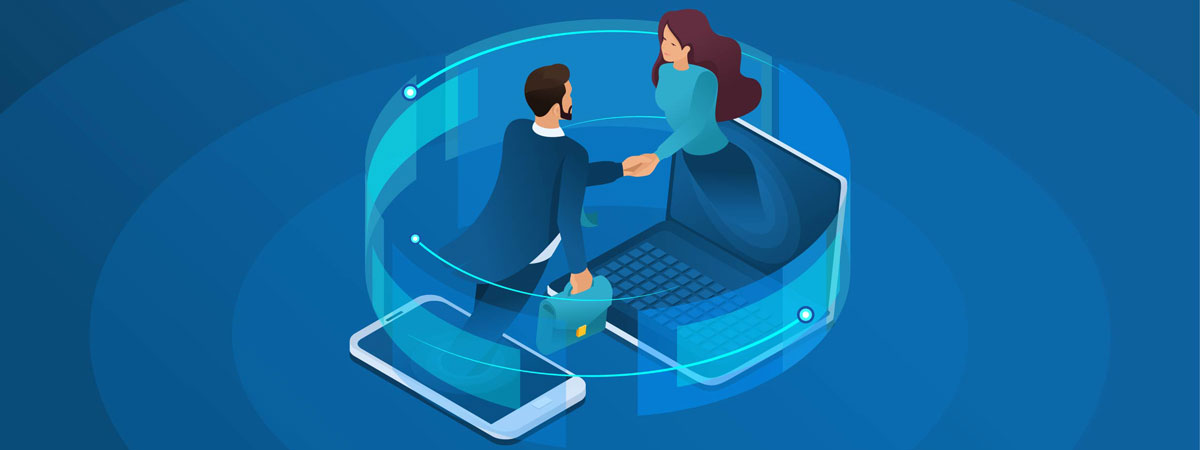
One of the biggest challenges of working remotely is effective collaboration.
In an office environment, everything is in a single, secured location. We take for granted how easy it is to efficiently communicate and interact with other people, our data, documents, and other files we need each day.
Remote work introduces several variables that can make secure, effective collaboration a logistical nightmare. Outdated technology and software, unsecured home networks, and limited access to company information can create major security risks and make collaboration a hassle.
With Fognigma, the biggest challenge of working remotely is solved, organizations can collaborate seamlessly and securely from anywhere – just as effectively as from the office.
Communicate face-to-face in a secure video conferencing server: Fognigma’s video conferences are completely encrypted, live on servers entirely owned by your organization, are completely private, and invisible to everyone but the parties involved.
Safely store and share sensitive company information on a secure file server: With Fognigma, secure file sharing is made easy. Users can download, upload, and share sensitive company information. Furthermore, special links can be created if specific files needs to be shared with outsiders.
Send messages and files protected with end-to-end encryption to anyone in your organization: Fognigma’s technology simplifies and automates the encryption, allowing users to easily send secure messages and files to anyone in their organization.

Access company resources and the Internet from traceless, sandboxed VDIs: Using Fognigma’s VDIs, users can anonymously browse the Internet, access company resources and more while appearing to be anywhere in the world. Users Internet activity leaves no footprint of where they went, removing the risk of hackers tracking where they went or what organization they belong to.
Obscure and misattribute phone numbers to protect calls and texts: With Fognigma, users can text and call without revealing their true numbers or what is said during the conversation.
Fognigma makes safe, effective remote collaboration easy – for everyone, no matter where they are. With Fognigma, your organizations biggest challenge while working remotely is solved!
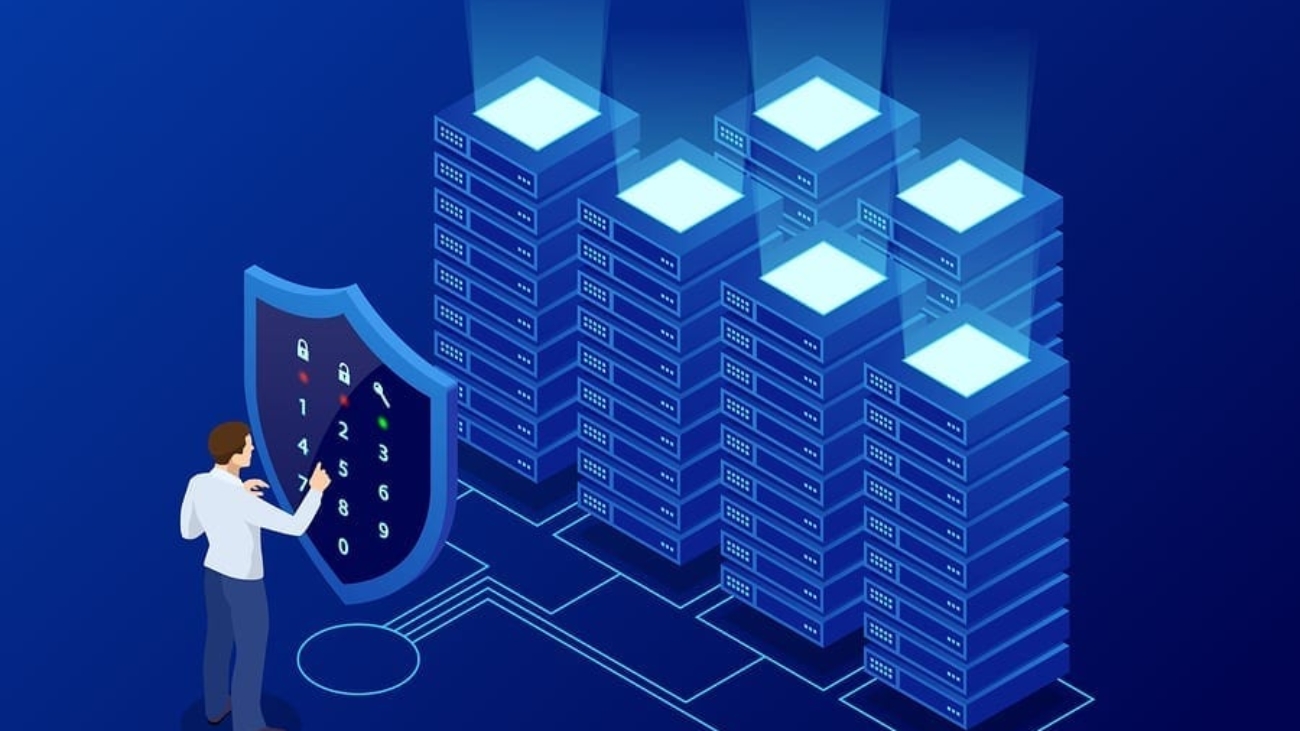
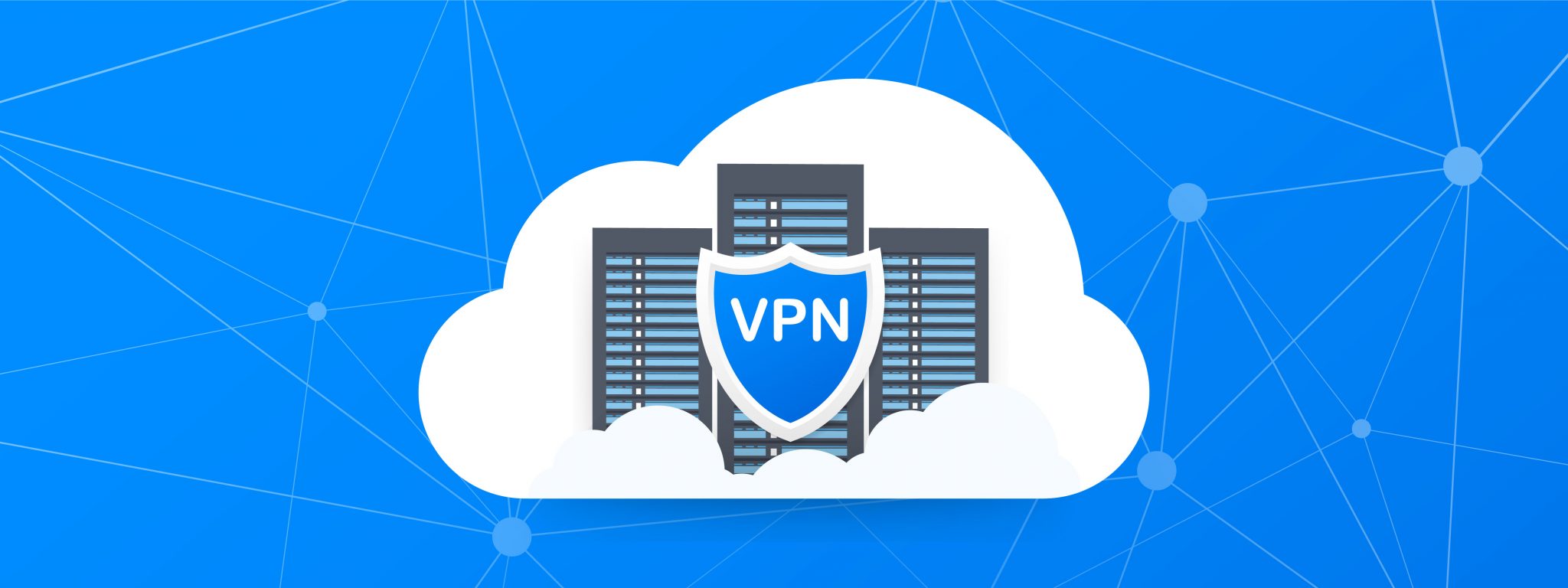
Organizations all over the United States have closed their doors and implemented work from home policies due to the recent COVID-19 pandemic. With that, security is most likely the number one concern in organizations right now.
Fognigma Virtual Private Networks (VPNs) are the ideal solution when it comes to security concerns, especially during this work from home time. Continue reading to learn more about the benefits of using Fognigma VPNs and how your organization can benefit from using them while working remote.
Encryption and Connection Security: Every connection within a Fognigma network features two layers of encryption, using two-separate cryptographic libraries, which means that Fogngima networks are immune to zero-day cryptographic compromises. You don’t ever have to worry about your data being exposed.
Total Network Invisibility: Fognigma allows your traffic to hide in the vast pool of IP addresses allocated to the millions of people who are using the Cloud at any one time, recycling IPs that have been used by others in the past and will be used by others in the future. All access to the Fognigma network is protected by firewalls, so your networks and nodes do not appear to exist when scanned, probed, or attacked.
Anonymity Without Compromise: With Fognigma’s technology, no one can trace your networks back to you or your organization.
Secure Network Automation: Using Fognigma’s built in scheduling feature, you can completely automate production of VPNs and resources, allowing your organization to create secure, fully encrypted networks without the need for dedicated operators. Users can instruct the engine to create, edit, or destroy VPNs and resources automatically at different times on specific days of the week. This streamlines the VPN setup process and allows your organization to accomplish more, while spending less time on the network management.

Fognigma VPNs are Easily Deployable: Your entire organization can be secured in on-demand networks in just the click of a mouse. This leaves less time for unnecessary security steps, and more time to focus on necessary job responsibilities.
Completed with Secure Communication and Collaboration Tools: Fognigma networks are equipped with all the communication and collaboration tools organizations need to work from home. Video conferencing, encrypted telephony, secure file servers, sandboxed VDIs, and user specific message and file encryption are all components available within Fognigma networks.
Burned After Use: When users are done working for the day, Fognigma networks can be destroyed in the click of a mouse leaving absolutely no forensic footprint. Then, spun back up when remote users are ready to start working the next day.
Fully Encrypted: Every connection within a Fognigma network is encrypted with AES-256 encryption. Whether your users have a team video conference, share sensitive documents in the group chat or browse the internet for company research they are completely secure.
Networks Are Only On When You Need Them: Fognigma networks are not time consuming, expensive and high maintenance networks, they are on-demand and only exist when users in your organization need them.
Fognigma networks are the perfect solution when it comes to securing your entire organization while your users are working from home. Fognigma networks are completely private to your organization and invisible to third parties. Everything organization’s need to do their job, whether in the office or at home, are inside of Fognigma networks.